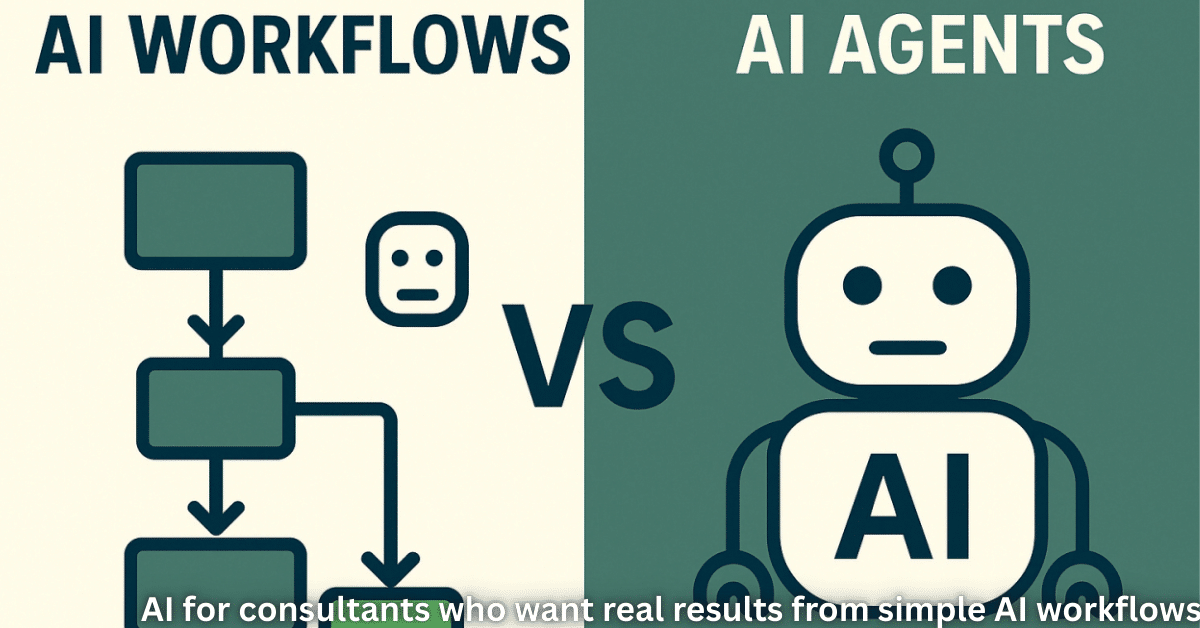
AI for consultants is no longer just a buzzword. It is a real way to save time, win better projects, and give clients deeper insights without burning out. When you treat AI as a partner instead of a threat, it can take over the boring parts of your work and let you focus on thinking, strategy, and people.
As a consultant, your day is full of slides, spreadsheets, client calls, and deadlines. AI can quietly support you in the background. It can help you write, analyze, and plan faster while you keep full control of the final decisions. In this article, you will see how consultants use AI in real work, which tools fit your daily tasks, and how to build simple, safe workflows that respect client trust and data.
Key Summary
- AI for consultants helps you draft, summarize, and polish content without losing your personal style.
- Simple tools can automate consulting workflows, from research to meeting notes to status emails.
- Generative AI for consulting speeds up proposals, slides, and reports while you stay in charge of the message.
- AI turns raw information into client insights, charts, and scenarios that support better decisions.
- Independent consultants can raise their productivity without hiring a big team by using AI as a quiet assistant.
- A basic AI plan helps you use data-driven consulting decisions while staying safe on privacy and quality.
How AI for consultants changes your daily work
AI for consultants does not replace your value. Your real value is still your insight, experience, and the trust your clients have in you. AI simply makes the work around that value faster and smoother.
You can use AI tools for consultants to turn long documents into short summaries, create first drafts of proposals, or outline slides for client meetings. Instead of starting from a blank page, you start from a decent draft. Then you bring in your real expertise, case examples, and client context to make it right.
Drafting faster proposals and reports
One of the biggest wins is proposal and report automation. Many consultants copy and edit old documents again and again for each new client. This is slow and tiring.
With AI, you can:
- Keep a library of good past proposals and feed parts into AI to build a new draft based on the client’s size, sector, and budget.
- Ask AI to check tone and clarity so your proposal sounds simple, focused, and easy to trust.
Generative AI for consulting works best when you see it as a smart assistant, not a final writer. Never send the first AI draft. Use it as a base, then rewrite and adjust it so it fits your client, your voice, and your promise.
Smarter research and deeper client insights
Research can quietly take over your week. AI can help you process large amounts of open information, notes, or data and turn them into clear client insights you can use in workshops and reports.
For example, you can:
- Paste research notes into an AI tool and ask it to group them into themes, risks, and opportunities.
- Turn messy brainstorm notes into a simple framework or model you can share in a slide or memo.
It also helps to show clients that you follow how AI shapes the wider world. Articles about AI strategy in the real world, such as how global leaders think about AI and power, give you strong talking points in strategy sessions. You can explore one such piece here: AI in global strategy news →aicorenews
AI tools for consultants and the workflows they support
Your ideal AI setup will depend on your niche, but most consulting work falls into a few repeatable parts. Once you see these parts clearly, you can decide where AI should help.
Content, emails, and client communication
Writing often eats a lot of time. AI tools for consultants can help with the “first pass” on many types of communication:
- Client update emails and short status reports.
- Workshop invites, follow-up notes, and friendly reminders.
- Internal notes after calls, cleaned up from rough bullet points.
If you record client calls (with permission), tools can generate AI meeting notes and summaries. You can then turn those into action lists, risk logs, or next-step plans. You move from “typing what happened” to “thinking what should happen next”.
Analysis, planning, and scenario work
If your projects include heavy analysis, AI can support your data-driven consulting decisions:
- Spreadsheet helpers can explain formulas, find errors, or suggest other ways to view the data.
- Scenario tools can turn cost, time, and growth inputs into clear “what if” cases that your client can understand in one look.
To go deeper, you can learn from large firms that already use AI tools for consulting at scale:
These resources can inspire how you design your own methods and offers.
Independent consultant productivity with AI
If you are a solo consultant or part of a very small team, AI can feel like a quiet extra colleague who handles the repetitive tasks. You do not need a complex or expensive setup to see real gains in independent consultant productivity.
A simple starting system for solo consultants
You can begin with a very lean and clear system:
- One main generative AI for consulting tool that helps you write, edit, and brainstorm.
- One meeting platform or tool that creates AI meeting notes and summaries after calls.
- A few project templates where you decide up front where AI will help: research, proposals, decks, or follow-up emails.
For each new project, you might decide:
- AI drafts the first version of the proposal and scope.
- AI summarizes every client call and suggests follow-up tasks.
- AI creates early slide outlines for progress reviews, which you then refine.
After a few projects, you will clearly see where AI saves you the most time, and where you still prefer to work fully by hand.
A simple AI strategy for small consulting firms
As you use more AI, it is important to write down a basic AI strategy for small consulting firms. It does not need to be long, but it should be clear and easy for both your team and your clients to understand.
You can start with three core rules:
- Never paste sensitive client data into public tools unless you have safe settings and clear permission.
- Treat AI as a draft and idea engine. You always review, edit, and own the final output.
- Tell clients, in simple language, where AI supports your work and how you protect their data.
This open and honest approach builds trust. It also makes it easier to talk about how consultants use AI in your sales calls, on your website, and in your case studies without sounding like you are overselling.

Conclusion: Your next steps with AI for consultants
When you use AI for consultants with intention, you gain time, focus, and stronger client insights. You do not need to adopt every new tool. You only need a small, stable set that supports your main workflows and helps you automate consulting workflows that do not need your full brain power.
A simple way to start is this: in your next week of work, pick one proposal, one report, and one client meeting where you will use AI for drafts, summaries, or basic analysis. Notice where you feel real relief and where you still want full manual control. From there, you can shape your own mix of AI tools for consultants, build deeper data-driven consulting decisions, and turn AI into a quiet but powerful partner in your consulting practice.